How to Install Getbehind.me on Amazon Firestick:
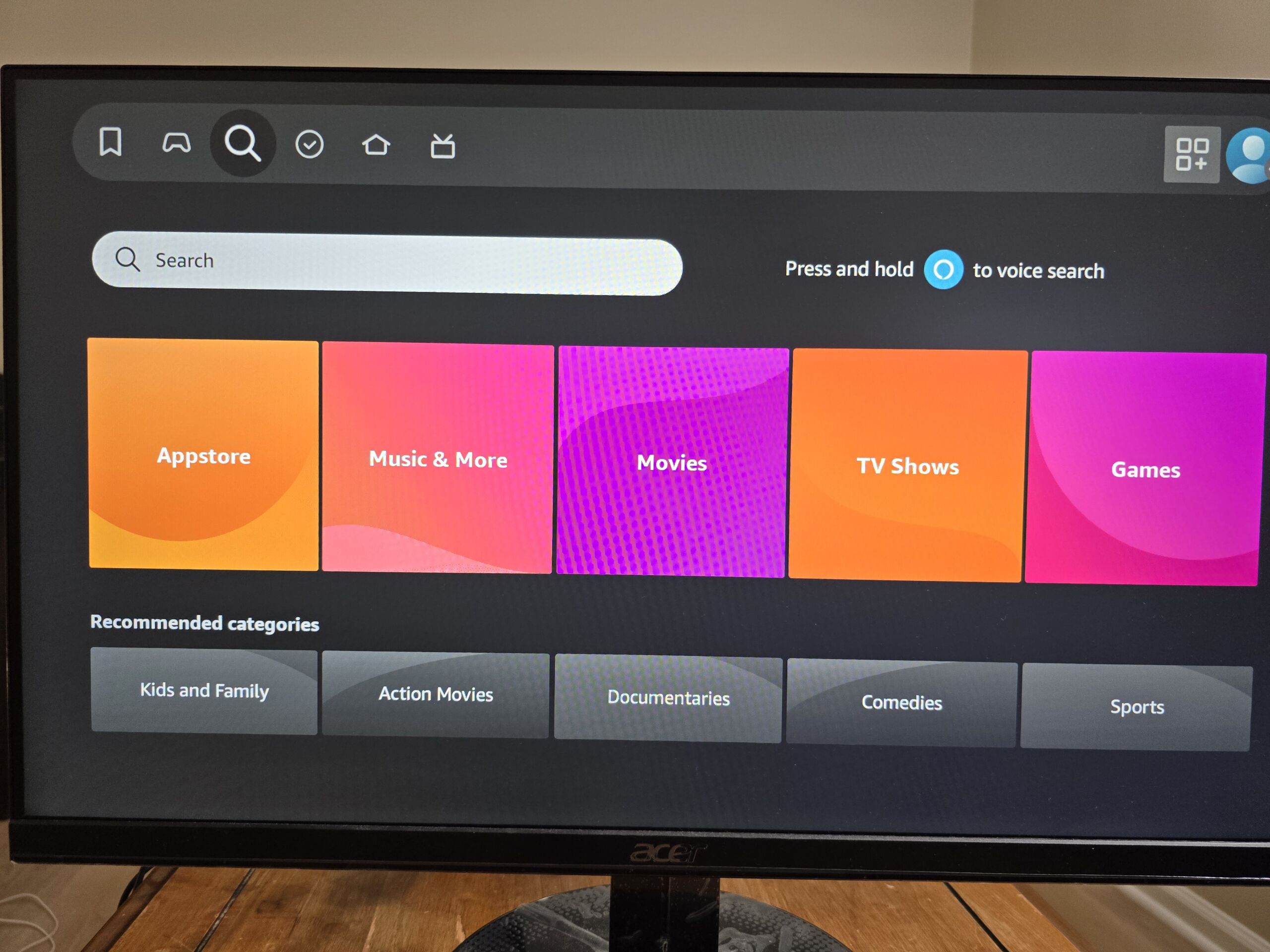
Step 1 – Select the search
Click here to download the latest version of Getbehind.me client for windows.
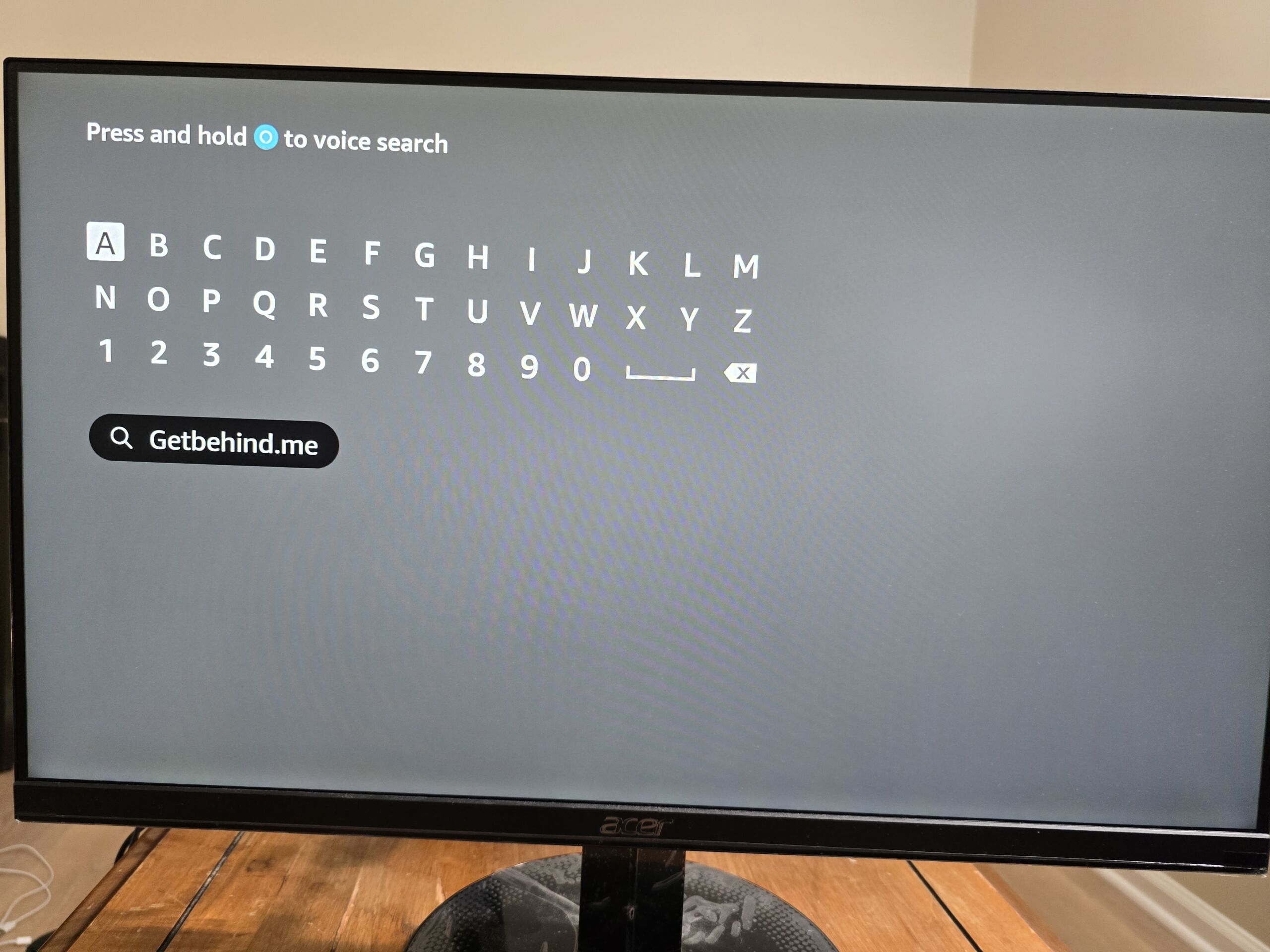
Step 2 – Search for Getbehind.me app
Type the term ‘Getbehind.me’ and the click on it
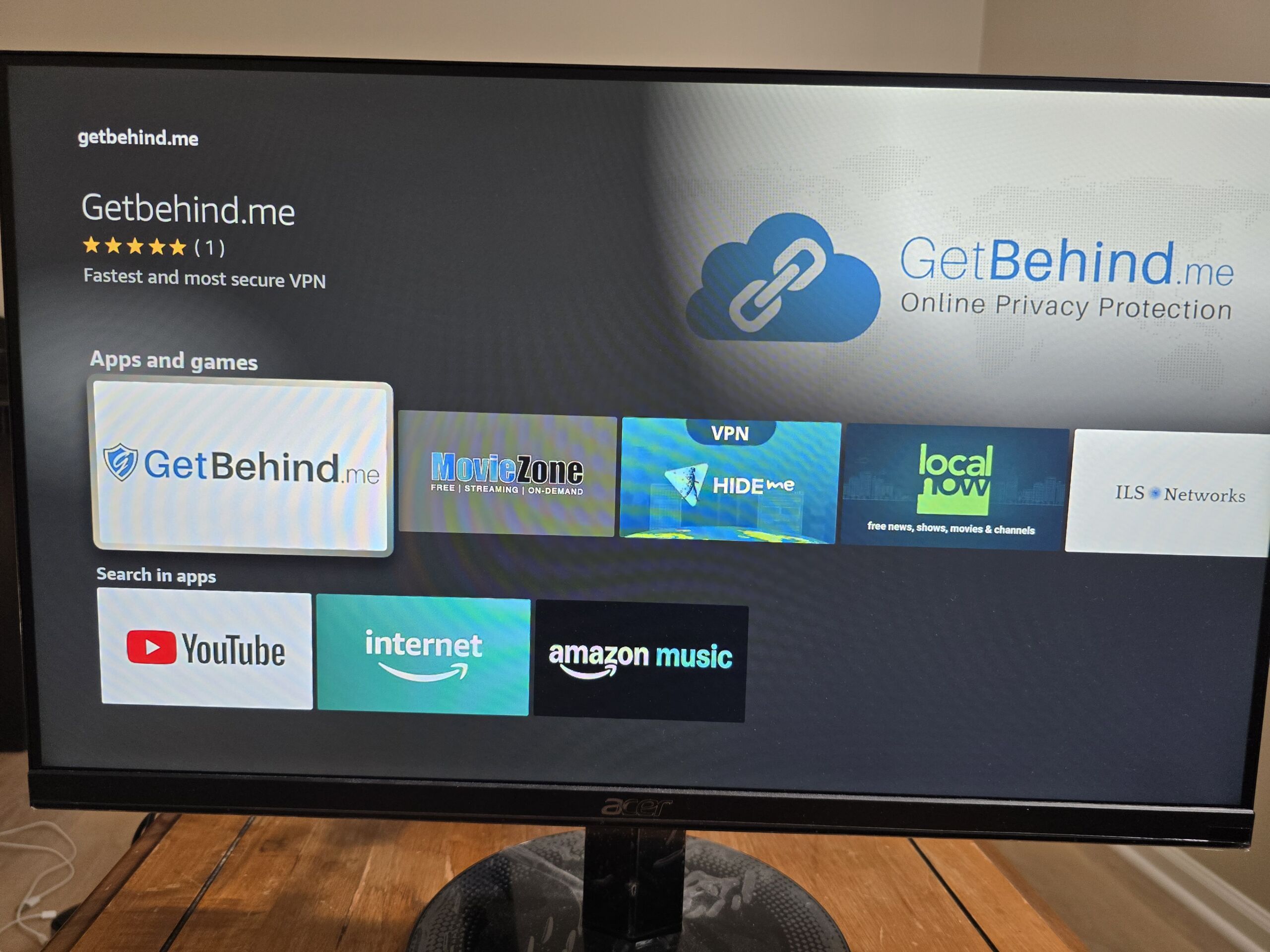
Step 3 – Go to the ‘Apps and games’ search results and tap the Getbehind.me app result:
Step 4 – Tap the ‘Get’ icon:
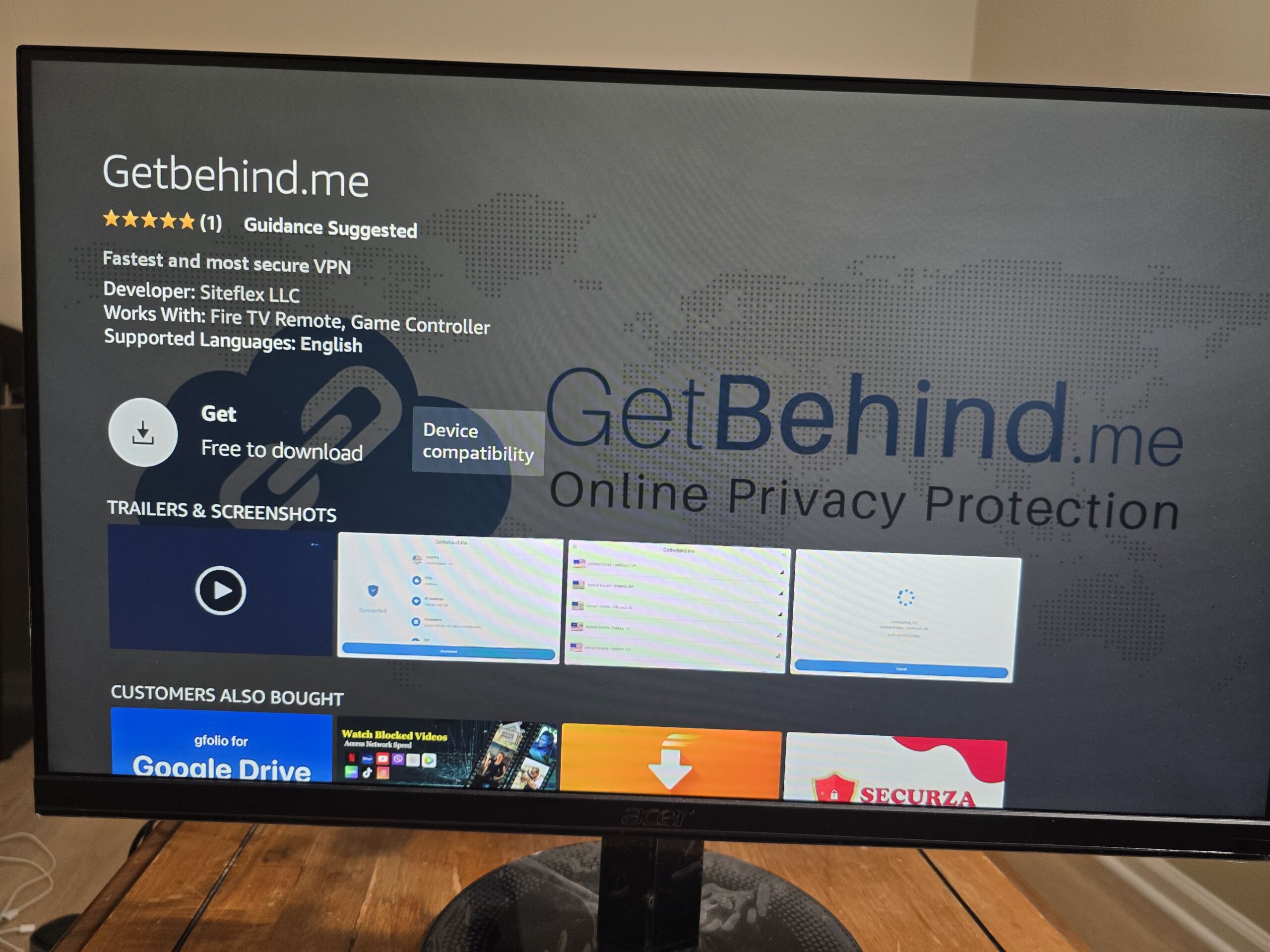
Step 5 – Open the app
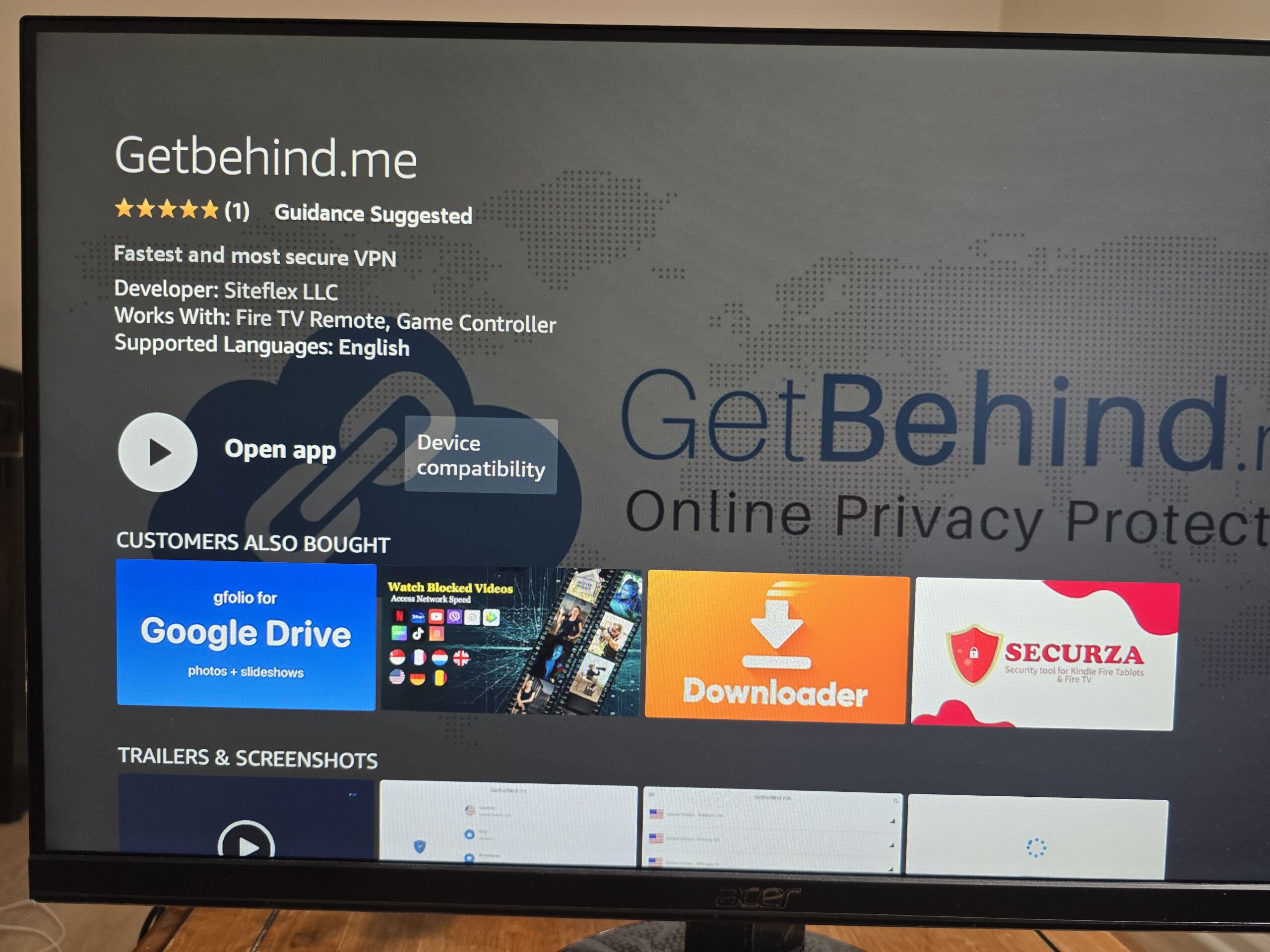
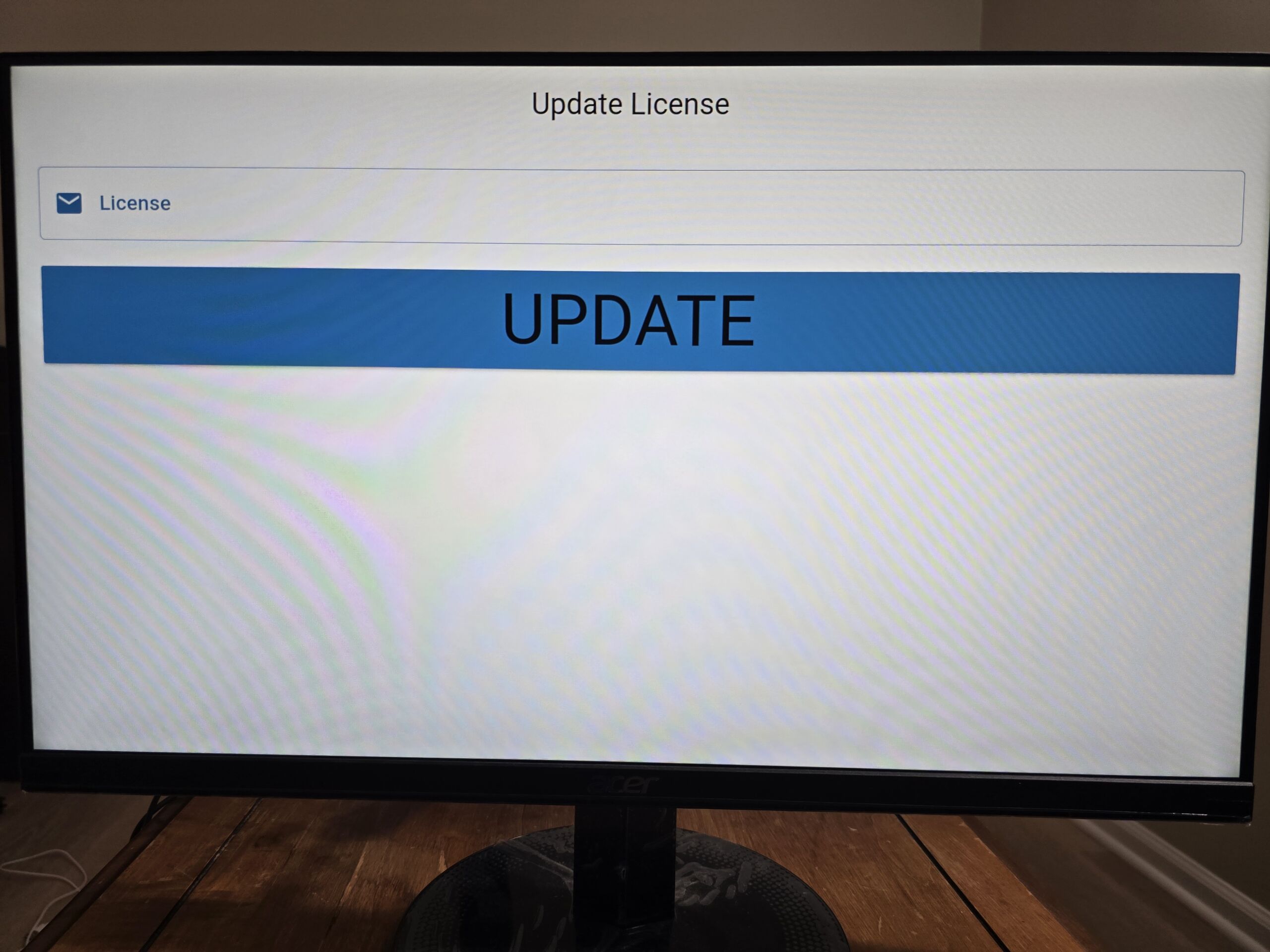
Step 6 – Type your license code and enjoy.